LinkedIn Company Posts Scraper
Extract the recent posts of public LinkedIn company pages without logging in: post text, publish date, reactions, comments, images, video, article links, reposts with their original author, and the company's name, logo and follower count on every post.
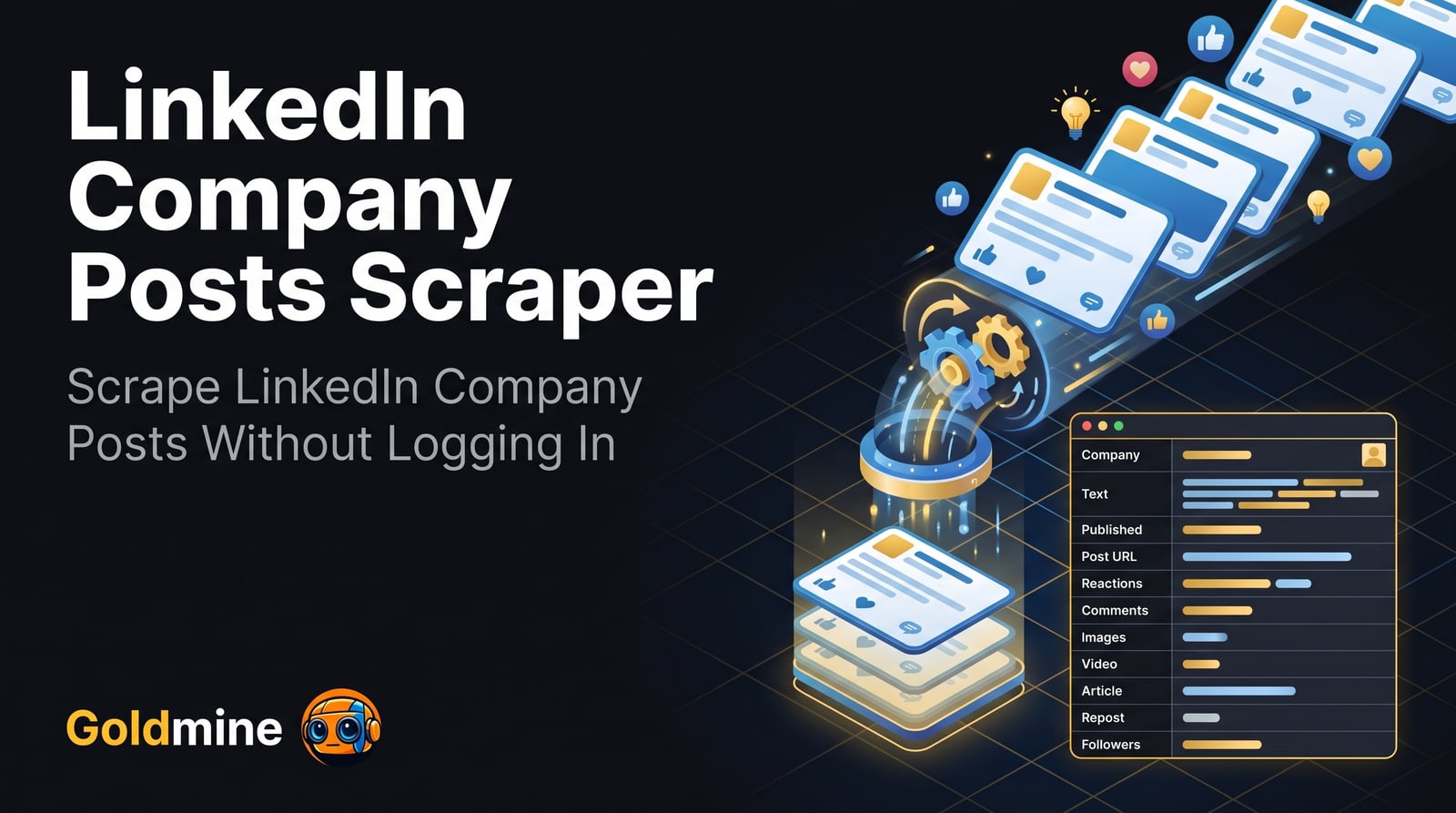
What it extracts
Every field below comes from the Actor’s published dataset schema.
| Field | Description | Type |
|---|---|---|
companyName | Company | text |
text | Text | text |
publishedAt | Published | date |
postUrl | Post URL | link |
reactionCount | Reactions | number |
commentCount | Comments | number |
mediaType | Media | text |
isRepost | Repost | boolean |
authorName | Author | text |
images | Images | array |
videoUrl | Video URL | link |
companyFollowers | Company followers | number |
inputUrl | Input | text |
Input parameters
Generated from the Actor’s input schema — the same fields the Apify console shows.
| Parameter | Type | Required | Description |
|---|---|---|---|
startUrls | array | Required | LinkedIn company pages whose posts to scrape. Paste a company page URL such as https://www.linkedin.com/company/microsoft/, its posts tab (…/microsoft/posts/), or just the name from the URL, such as microsoft. Showcase pages (/showcase/…) work too. One entry per company, and as many companies as you like. |
maxItems | integer | Optional | Maximum number of posts to scrape from each company (start URL), newest first. LinkedIn shows logged-out visitors about the latest 70 posts of a company. |
untilDate | string | Optional | Skip posts older than this date (format: YYYY-MM-DD) and stop scraping a company once its posts are older. Leave empty to scrape until maxItems is reached. |
proxyConfiguration | object | Optional | Proxy configuration. Apify datacenter proxies are used by default; each company gets its own proxy session, and a blocked request is retried from a new one. Switch to residential proxies if companies come back blocked. |
API access
Run this Actor from your own code over the Apify API.
{
  "startUrls": [
    "https://www.linkedin.com/company/microsoft/",
    "openai"
  ]
}curl -X POST \
"https://api.apify.com/v2/acts/logical_scrapers~linkedin-company-posts-scraper/run-sync-get-dataset-items?token=YOUR_API_TOKEN" \
-H "Content-Type: application/json" \
-d '{"startUrls":["https://www.linkedin.com/company/microsoft/","openai"]}'import { ApifyClient } from 'apify-client'
const client = new ApifyClient({ token: 'YOUR_API_TOKEN' })
const run = await client.actor('logical_scrapers~linkedin-company-posts-scraper').call({
"startUrls": [
"https://www.linkedin.com/company/microsoft/",
"openai"
]
})
const { items } = await client.dataset(run.defaultDatasetId).listItems()
console.log(items)from apify_client import ApifyClient
client = ApifyClient("YOUR_API_TOKEN")
run = client.actor("logical_scrapers~linkedin-company-posts-scraper").call(run_input={
"startUrls": [
"https://www.linkedin.com/company/microsoft/",
"openai",
],
})
for item in client.dataset(run["defaultDatasetId"]).iterate_items():
print(item)Runs are executed on Apify. Create an API token in your Apify account, then call the Actor over REST or with the official client for your language. The same input object works in the Apify console, so you can test interactively before automating.
Pricing
Data not currently verified. This Actor's pricing model is not declared in our source repository.
Current rates are published on the Apify listing and can change, so they are not duplicated here. See pricing on Apify
Reliability
Measured across all public Goldmine Actors on Apify, 2026-08-24. This is an account-level figure, not a per-Actor benchmark — per-Actor speed and completeness benchmarks are not yet published. Source.