YouTube Transcript Scraper
YouTube transcript scraper: get the YouTube transcript of videos and Shorts as text and timed segments, from YouTube captions in the spoken or a chosen language, with auto-generated flag, other languages and video details.
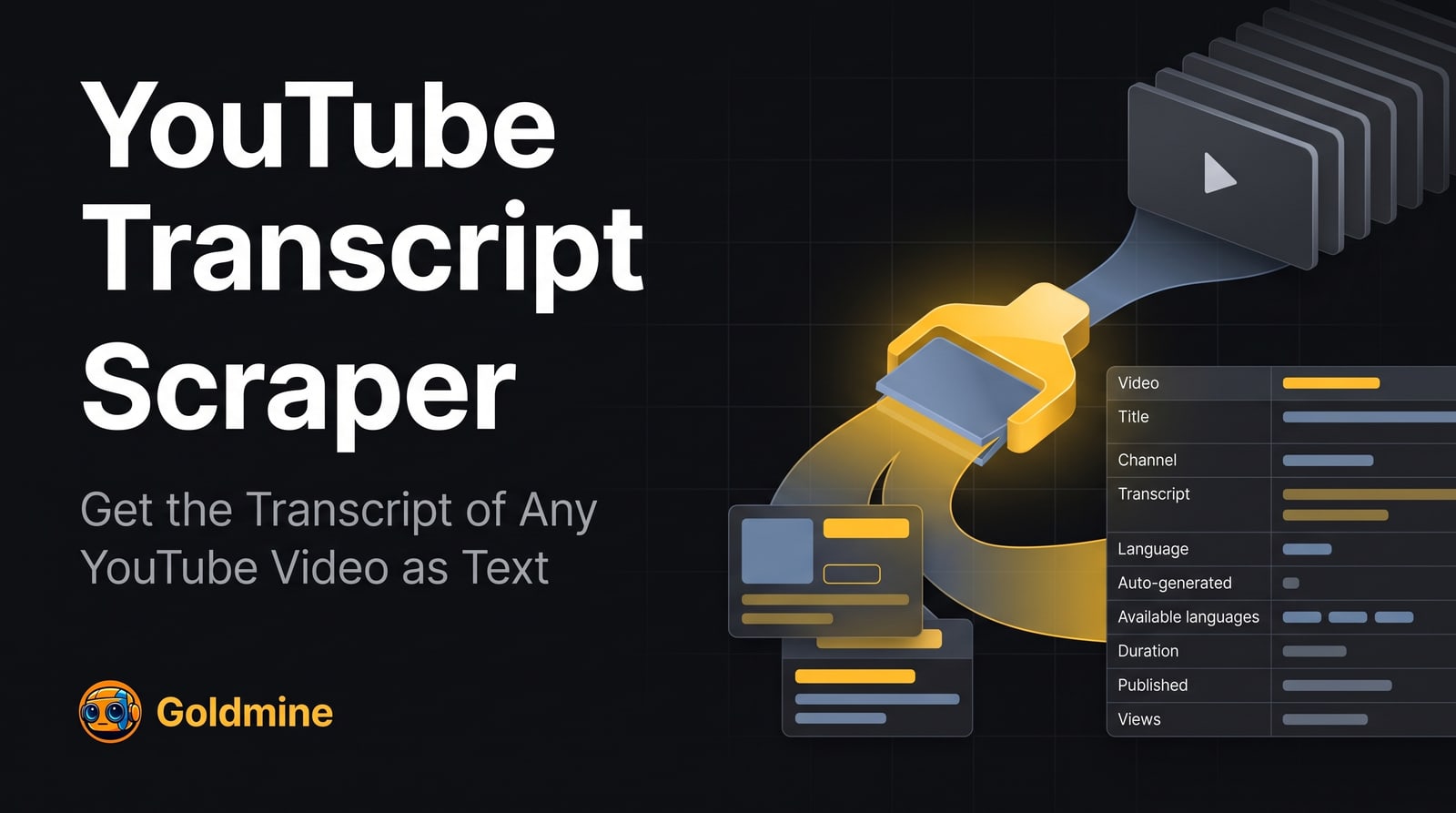
What it extracts
Every field below comes from the Actor’s published dataset schema.
| Field | Description | Type |
|---|---|---|
title | Video | text |
channelName | Channel | text |
transcript | Transcript | text |
language | Language | text |
isAutoGenerated | Auto-generated | boolean |
isTranslation | Translation | boolean |
availableLanguages | Available languages | array |
durationSeconds | Duration (s) | number |
publishedAt | Published | date |
url | URL | link |
note | Note | text |
Input parameters
Generated from the Actor’s input schema — the same fields the Apify console shows.
| Parameter | Type | Required | Description |
|---|---|---|---|
startUrls | array | Required | YouTube videos to get transcripts for. Paste a video URL such as https://www.youtube.com/watch?v=dQw4w9WgXcQ, a youtu.be link, a Shorts URL (…/shorts/…), a live URL, or a bare 11-character video id. One transcript per video, and as many videos as you like. |
language | string | Optional | Which captions to return. "original" returns the language spoken in the video. A language code such as "en", "es" or "pt-BR" returns captions in that language when the video has them, and otherwise YouTube's machine translation of the original (isTranslation is true); when YouTube cannot translate either, you get the original and a note. "all" returns the original in the main fields plus every caption track of the video in "tracks". |
preferManualCaptions | boolean | Optional | When a video has both captions written by the uploader and auto-generated captions in the chosen language, return the uploaded ones. Turn off to prefer the auto-generated captions, which follow the spoken words more literally. |
includeSegments | boolean | Optional | Also return the transcript as timed lines in "transcriptSegments", each with its start and end time in seconds. Turn off to get only the plain-text transcript, which keeps the dataset small. |
includeVideosWithoutTranscript | boolean | Optional | Also save a result for videos that exist but have no captions to return (no captions, age-restricted, members only, live), with "transcript" set to null and a "note" saying why. These are charged like any other result. When off, such videos are only listed in the VIDEOS_WITHOUT_TRANSCRIPT record of the key-value store, free of charge. |
proxyConfiguration | object | Optional | Proxy settings. YouTube answers most requests from datacenter and server IPs with a bot check, so Apify residential proxies are used by default. |
API access
Run this Actor from your own code over the Apify API.
{
  "startUrls": [
    "https://www.youtube.com/watch?v=dQw4w9WgXcQ"
  ]
}curl -X POST \
"https://api.apify.com/v2/acts/logical_scrapers~youtube-transcript-scraper/run-sync-get-dataset-items?token=YOUR_API_TOKEN" \
-H "Content-Type: application/json" \
-d '{"startUrls":["https://www.youtube.com/watch?v=dQw4w9WgXcQ"]}'import { ApifyClient } from 'apify-client'
const client = new ApifyClient({ token: 'YOUR_API_TOKEN' })
const run = await client.actor('logical_scrapers~youtube-transcript-scraper').call({
"startUrls": [
"https://www.youtube.com/watch?v=dQw4w9WgXcQ"
]
})
const { items } = await client.dataset(run.defaultDatasetId).listItems()
console.log(items)from apify_client import ApifyClient
client = ApifyClient("YOUR_API_TOKEN")
run = client.actor("logical_scrapers~youtube-transcript-scraper").call(run_input={
"startUrls": [
"https://www.youtube.com/watch?v=dQw4w9WgXcQ",
],
})
for item in client.dataset(run["defaultDatasetId"]).iterate_items():
print(item)Runs are executed on Apify. Create an API token in your Apify account, then call the Actor over REST or with the official client for your language. The same input object works in the Apify console, so you can test interactively before automating.
Pricing
Data not currently verified. This Actor's pricing model is not declared in our source repository.
Current rates are published on the Apify listing and can change, so they are not duplicated here. See pricing on Apify
Reliability
Measured across all public Goldmine Actors on Apify, 2026-11-04. This is an account-level figure, not a per-Actor benchmark — per-Actor speed and completeness benchmarks are not yet published. Source.