LinkedIn Jobs Scraper
Extracts LinkedIn job listings by keyword and location — title, company, location, employment type, seniority level, job function, industry, posting date, salary where listed, and the job URL.
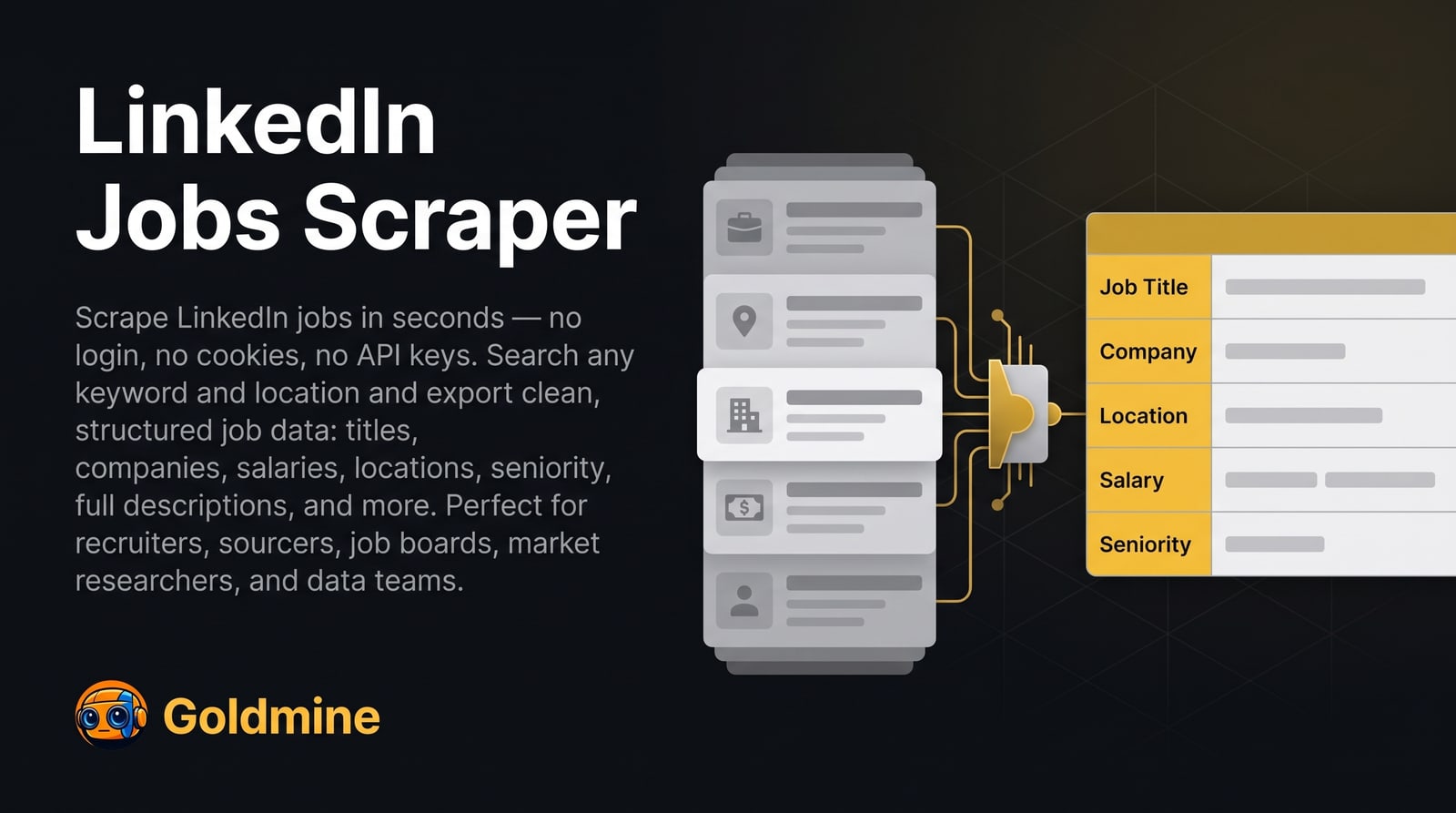
What it extracts
Every field below comes from the Actor’s published dataset schema.
| Field | Description | Type |
|---|---|---|
title | Job Title | text |
company | Company | text |
location | Location | text |
employmentType | Employment Type | text |
seniorityLevel | Seniority | text |
jobFunction | Job Function | text |
industry | Industry | text |
postedAt | Posted | text |
salary | Salary | text |
jobUrl | Job URL | link |
Input parameters
Generated from the Actor’s input schema — the same fields the Apify console shows.
| Parameter | Type | Required | Description |
|---|---|---|---|
keywords | string | Optional | Job title or keywords to search for (e.g. 'software engineer'). Optional if a location is provided. |
location | string | Optional | Location to search in (e.g. 'San Francisco, CA'). Optional if keywords are provided. |
maxItems | integer | Optional | Maximum number of job listings to scrape |
proxyConfiguration | object | Optional | Select proxies to be used by the scraper. Residential proxies recommended. |
API access
Run this Actor from your own code over the Apify API.
{}curl -X POST \
"https://api.apify.com/v2/acts/logical_scrapers~linkedin-jobs-scraper/run-sync-get-dataset-items?token=YOUR_API_TOKEN" \
-H "Content-Type: application/json" \
-d '{}'import { ApifyClient } from 'apify-client'
const client = new ApifyClient({ token: 'YOUR_API_TOKEN' })
const run = await client.actor('logical_scrapers~linkedin-jobs-scraper').call({})
const { items } = await client.dataset(run.defaultDatasetId).listItems()
console.log(items)from apify_client import ApifyClient
client = ApifyClient("YOUR_API_TOKEN")
run = client.actor("logical_scrapers~linkedin-jobs-scraper").call(run_input={})
for item in client.dataset(run["defaultDatasetId"]).iterate_items():
print(item)Runs are executed on Apify. Create an API token in your Apify account, then call the Actor over REST or with the official client for your language. The same input object works in the Apify console, so you can test interactively before automating.
Use it in n8n
Workflow templates that run this Actor through Apify’s n8n node. Import one, connect your Apify account and edit a single settings node.
Use cases
Competitor hiring intelligence
Track which roles a company is opening, where, and at what seniority, to infer where it is investing.
Recruiting and talent pipelines
Monitor open roles across a market to understand who you are competing with for candidates.
Salary and demand research
Aggregate listings across a role or region to study demand and the salary ranges that are published.
Job board aggregation
Feed fresh, structured listings into your own platform or dashboard on a schedule.
Pricing
Pay per event — you are charged for each successfully scraped result item.
Current rates are published on the Apify listing and can change, so they are not duplicated here. See pricing on Apify
Reliability
Measured across all public Goldmine Actors on Apify, 2026-11-04. This is an account-level figure, not a per-Actor benchmark — per-Actor speed and completeness benchmarks are not yet published. Source.
Limitations
What this Actor does not do, so you can tell before you run it whether it fits.
- Searches by keyword and location, the same as the LinkedIn jobs search bar. It cannot filter on criteria LinkedIn does not expose in that search.
- Salary is present only when the employer publishes it — a large share of listings omit it.
- Returns the listing as posted. It does not resolve applicant counts or recruiter contact details.
- Result volume per run is bounded by what LinkedIn returns for the search; narrow the location or keyword to go deeper.
Frequently asked questions
Does it need a LinkedIn account or cookies?
No. It collects publicly available job listings without authentication, so no credentials are shared and no account is exposed.
How do I target a specific company?
Put the company name in `keywords` alongside the role. The search behaves like the LinkedIn jobs search bar, so the same query syntax applies.
How is it priced?
Pay per event — you are charged per result actually scraped. Current rates are on the Apify listing.
Used for
Workflows this Actor is part of, and the other scrapers it chains with.